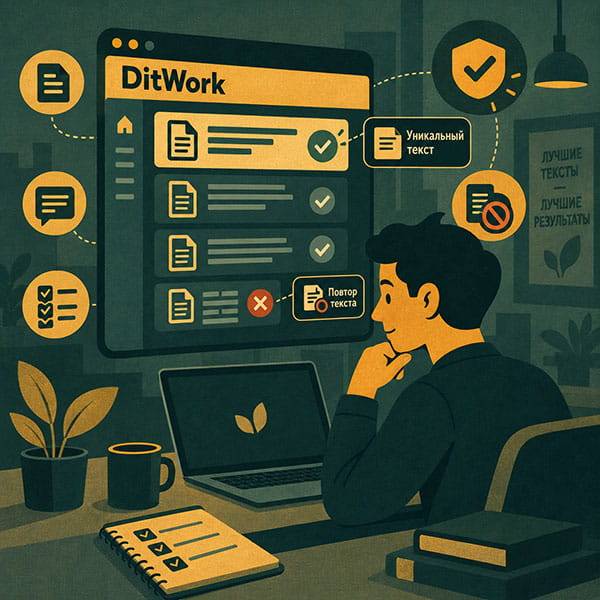
You created a microtask and it looks fine from your own account, but workers cannot see it? Do not rush to create a duplicate. In most cases, the reason is in the current task status or one of its settings.
A quick check of the points below usually makes the problem clear.
Start with the task status
Open the task page and make sure the microtask is active. If you paused it, new workers will not receive it.
Check moderation
Some microtasks go through review before publication. While a task is waiting for moderation, you may still see it as the client even though it is not yet available to regular workers.
If the task received a moderation note, fix the issue first and then continue the task.
Check the task budget, not only your main balance
Your main DitWork balance and the budget of a specific microtask are separate.
You may have money in your account while the task itself has no available budget. Open the task page and make sure there is enough money for at least the next completion.
Are there any free result slots?
Suppose you created a task for 5 results. Four have already been accepted and the fifth worker is currently completing it. There is no free place for another worker even if the task still has money left.
If you need more completions, increase the result quantity.
The budget determines whether you can pay for work. The result quantity determines how many completions you want to receive.
If unique texts are enabled, check the remaining pool
When a task distributes a unique text, code, or another separate value, there must be an unused value available for the next worker.
Once all variants have been issued, new workers stop receiving the task.
You can add more values or disable unique texts if they are no longer needed. This feature is optional and many microtasks work perfectly without it.
Added new texts but the task is still not visible?
Check the result quantity and budget again. A common situation is adding more unique values after all planned result slots have already been used.
The opposite also happens: the result quantity is increased, but the task does not have enough budget for the additional completions.
Check dates and schedule
If the task has a start time, end date, or allowed working hours, it may simply be outside the active period.
Check worker restrictions
An active and funded task may still be visible only to some users when additional restrictions are enabled.
Availability can be affected by:
- country;
- device type;
- age or gender when specified;
- account age;
- minimum completed tasks;
- verified email or phone;
- repeat-completion rules;
- limits for a certain period;
- other task-specific conditions.
The more restrictions you add, the smaller the matching worker audience becomes.
Why one worker can see the task and another cannot
This can be completely normal. One user may match your country and device settings while another does not. A worker may also have completed the task before and currently be unable to repeat it.
Check these four things first
- The microtask is active and has passed moderation.
- The task budget has available funds.
- There are free result slots.
- If unique texts are enabled, unused values remain.
A simple example
You created a task for 10 results and added 10 unique codes. Later you added 20 more codes, but the result quantity stayed at 10.
The extra codes do not create 20 new worker places. Increase the result quantity and make sure the task has enough budget.
Do not create a duplicate immediately
It is usually better to restore the existing task. This keeps its history, settings, and completed results in one place.
If everything looks correct but workers still cannot see it
Contact support and send the task link. Mention that the budget is funded, free result slots are available, and the unique-text pool is not exhausted. This will make the check faster.
You can browse public tasks in the microtasks section or create a new one from Create a microtask.