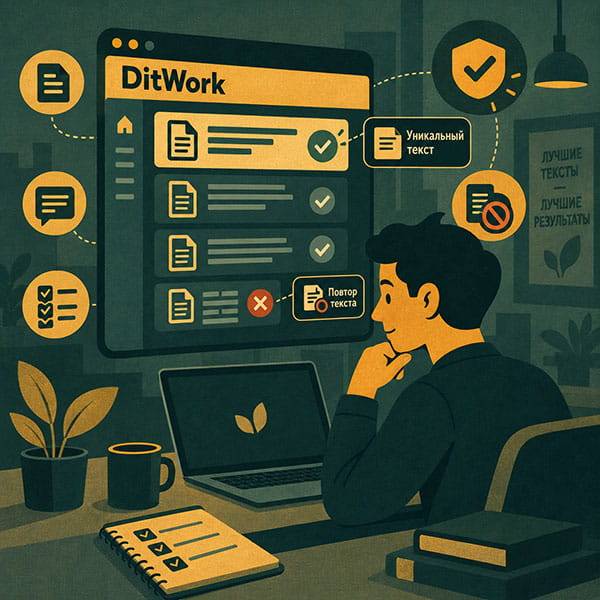
Unique texts are not required for every microtask. Use them when each worker genuinely needs a separate value such as a code, text, test value, number, link, or another piece of information.
If everyone can complete the task with the same instructions and the same data, it is usually better to leave this feature disabled.
What is a unique text?
It is a separate value that DitWork assigns to a worker when the worker reserves the microtask.
For example, if you need 100 different promo codes checked, add them to the pool and each worker receives a separate code.
It does not have to be ordinary text
- promo codes;
- test logins or identifiers;
- product or record numbers;
- different search phrases;
- separate links;
- test form values.
When unique texts are useful
They work well when a large set of values needs to be distributed across workers, for example 500 records that must each be checked separately.
When you should not use them
If every worker follows the same steps using the same data, a separate value is unnecessary.
Once the pool is exhausted, new workers stop seeing the task, so there is no reason to enable this feature without a real need.
Some task types do not allow prepared texts
DitWork does not provide prepared texts for reviews, comments, voting, ratings, and financial recommendations. Workers should create their own independent response in those tasks.
How to add unique texts
Enable the unique-text option and add your values: one value per line.
CODE-001 CODE-002 CODE-003
Use \n for a line break inside one value. Blank lines and duplicates are removed automatically.
TXT upload
For a large list, upload a TXT file up to 2 MB. UTF-8 is recommended. File lines are added to values entered manually.
Pool limits
You can prepare up to 10,000 unique values. One value can be up to 5,000 characters long.
What happens to duplicates?
Duplicate values are not treated as separate unique texts. Values already present in the task are also excluded when you add more later.
How many times can one value be issued?
By default, each value is issued once. You can allow from 1 to 10 issues per value.
Keep the limit at 1 for one-time codes. Increase it only when repeated use is safe.
Separate RU, UK, and EN pools
If language versions need different values, you can enable separate RU, UK, and EN pools. The worker chooses a language before reservation and receives an available value from that pool.
What happens when the pool runs out?
The microtask is hidden from new workers when no free values remain.
You can add more values, disable unique texts, or pause the task if you no longer need new results.
Added new texts but still no new workers?
Check the result quantity and task budget as well. New values do not automatically create new result slots.
When replenishing the pool, DitWork can offer to increase result quantity and add budget if needed.
A useful example
You have 50 one-time test codes. Set 50 results, add 50 codes, keep the issue limit at 1, and provide enough budget for 50 completions.
An example where unique texts are unnecessary
You want 30 people to test the same contact form. Everyone follows the same scenario, so a separate value adds nothing.
Do not confuse texts, result quantity, and budget
- Unique texts provide separate values.
- Result quantity controls the number of completions.
- Task budget pays for those completions.
Related guides
Why Your Microtask Is Not Visible.
The main rule
Enable unique texts only when each worker really needs a separate value. Otherwise, a normal microtask is simpler.
Create a task at Create a microtask or browse the microtasks section.