Articles

What to Do If a Client Does Not Accept Your Completed Microtask
If you completed a microtask, submitted your proof, and the client did not accept it, do not start with an argument. Start by checking exactly what happened. Sometimes the problem is simple: the wrong screenshot, a skipped step, an incorrect link, or a requirement that was missed. Sometimes the rejection reason does not match the original instructions. Read the rejection reason first DitWork stores the review decision and the rejection reason when a submitted result is rejected. Compare ...

How to Review a Microtask Result and Accept the Work
When a worker submits a microtask result, the client has one main job: check whether the worker completed the conditions that were visible before the work started. You do not need to look for a reason to reject a submission, but you should not accept everything without checking it either. Start with the original instructions Open the task instructions and proof requirements first, then review the worker's submission. This keeps the decision based on what the worker was actually asked ...
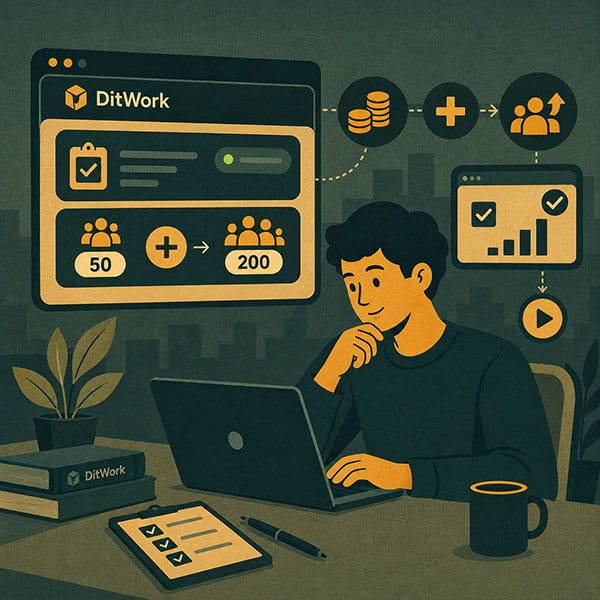
How to Add More Completions to an Active Microtask
If your microtask has already received its first results and you now need more of the same work, you usually do not need to create a duplicate. Increase the result quantity in the existing task instead. This keeps accepted results, active workers, task history, and settings in one place. When should you add more results? Suppose the task was created for 20 completions. All 20 places are now used, but you need 30 more. Add new result slots to the current task. What happens to existing res...
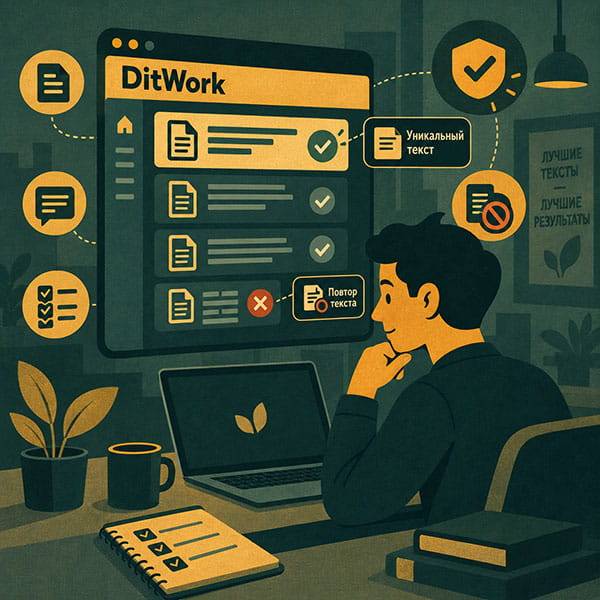
Unique Texts in Microtasks: What They Are and When to Use Them
Unique texts are not required for every microtask. Use them when each worker genuinely needs a separate value such as a code, text, test value, number, link, or another piece of information. If everyone can complete the task with the same instructions and the same data, it is usually better to leave this feature disabled. What is a unique text? It is a separate value that DitWork assigns to a worker when the worker reserves the microtask. For example, if you need 100 different promo codes ...
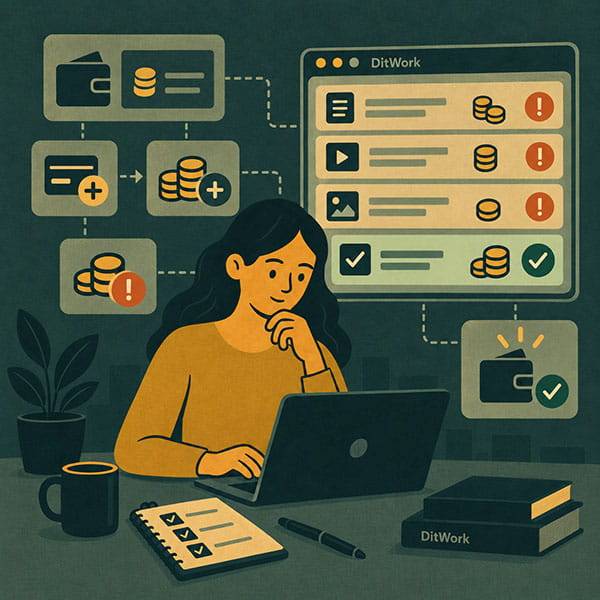
Microtask Budget: How to Fund It and Why Your Main Balance Is Not Enough
One of the most common client situations looks like this: there is money on the DitWork account, the microtask exists, but new workers cannot take it. Very often the reason is simple: the money is still on the main account balance while the task budget is empty or no longer sufficient. DitWork keeps these balances separate. Here is how that works and what to check when a task stops accepting new completions. Your main balance and microtask budget are different Main balance is the money avai...